

StoryLab Creation Stations
Start editing at the Creation Stations!
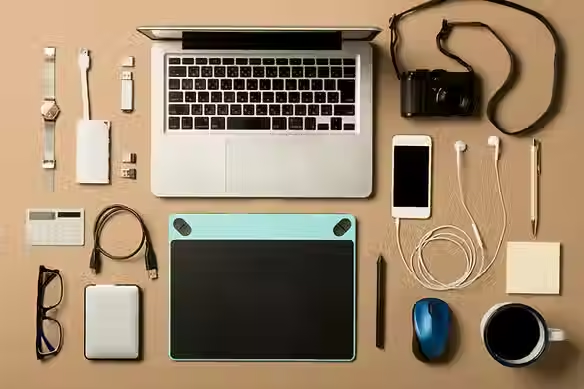
The Creation Stations are Mac workstations equipped with software for editing audio, video, images, and creative projects.Book one of these computers at NVDPL to put the finishing touches on your digital work. StoryLab is a self-directed space where you can learn, create, and share.

What can I do on the Creation Stations?
🖼️
Photo Editing
Edit photos, organize images, work with RAW files, and improve scans.
🎨
Graphic Design
Create posters, illustrations, digital artwork, logos, and visual projects.
🎬
Video Editing
Edit videos, add effects, export clips, and prepare finished media projects.
🎧
Audio Editing
Clean up recordings, edit podcasts, mix audio, and export sound files.
What can I do on the Creation Stations?
Available Equipment for the Digitization Station
darktable
+
Free and open-source photography application and RAW developer.
GIMP
+
Free and open-source raster graphics editor used for image manipulation and image editing.
Available Audio Editing Software
Adobe Premiere Pro
+
Video and sound editing software that exports in a variety of formats.
Blackmagic DaVinci Resolve
+
Professional editing software with video colour correction, audio and video editing, visual effects compositing, and more.
Adobe Audition
+
Advanced audio recording, mixing, and restoration software.
Booking a Creation Station
Review the StoryLab booking guidelines and request a time on the calendar before your visit. Creation Stations can be booked for up to 2 hours a day, and requests must be submitted 48 hours in advance. Use the booking form to describe your project, your experience level, and any special equipment you need. At your first booking, you will sign a waiver and complete a short certification. Bring a USB stick or hard drive so you can save your files. The space is self directed, but StoryLab staff can help you get started and answer basic questions.
Learning Resources
Patrons of NVDPL who live in the District of North Vancouver have free access to hundreds of tutorials and courses for all expertise levels through LinkedIn Learning. Visit our LinkedIn Learning page to get started. Below are some examples of courses offered:
LinkedIn Learning
NVDPL patrons who live in the District of North Vancouver can use LinkedIn Learning to build editing skills for photos, graphics, video, motion graphics, and audio.
Image Editing
Organizing and Archiving Digital Photos
Video and Motion
Adobe Green Screen Workflow
Audio
Helpful Resources
Use these videos and guides to plan, film, light, and improve your video project.
Image Editing
darktable User Guide
Video Editing
Audio Editing
Pro Tools Reference Guide
HOURS
TUESDAY - THURSDAY
10:30am – 7:30pm
FRIDAY - SATURDAY
10:30am – 5:30pm
MONDAY
10:30am – 5:30pm
Hours are subject to staff availability
Location
Lynn Valley Library 1277 Lynn Valley Road
2nd Floor