


⏱
21 days
Borrow a Kobo eReader for up to 21 days.
↻
One renewal
Renew once if no one else is waiting.
◉
One per patron
Only one Kobo eReader can be borrowed at a time.
▣
Card and wifi
A valid library card, wifi access, and a free Kobo account are required.
Borrowing Basics
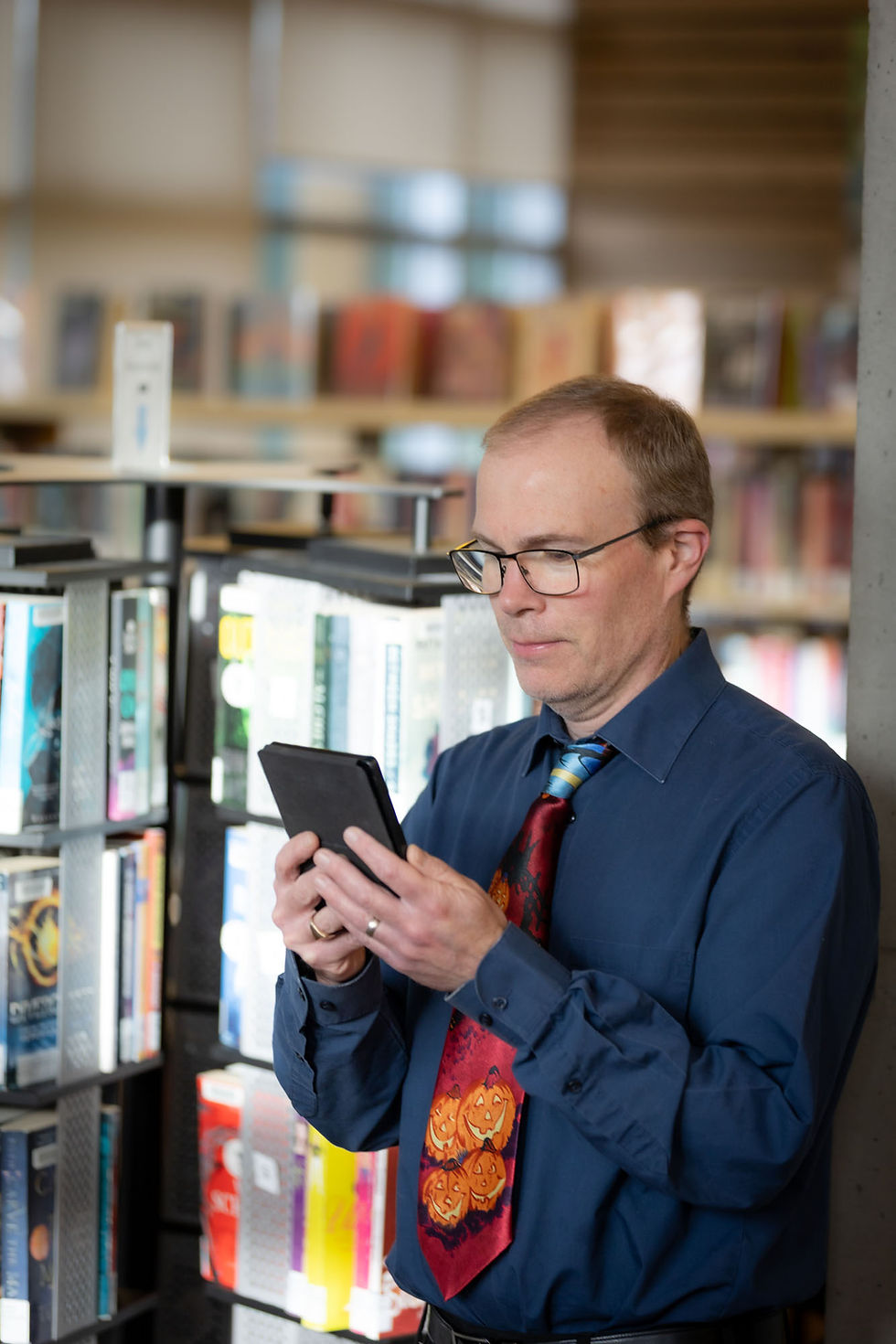
Each eReader kit includes a Kobo Nia, Kobo Clara Black and White, or Kobo Clara Colour eReader, plus a Quick Start Guide, USB cable for charging and loading materials, and a carrying case.
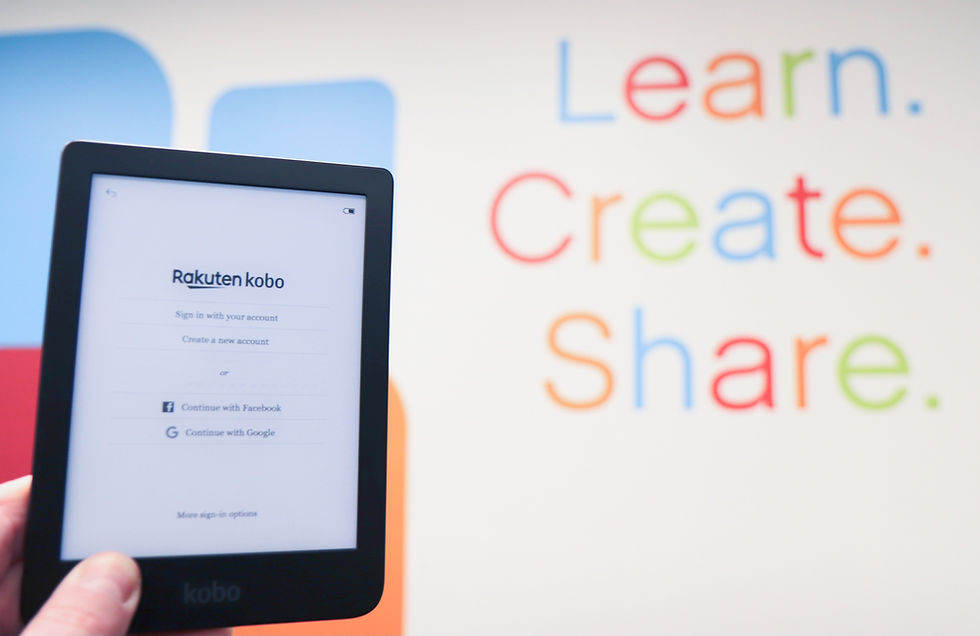
To use the eReader, you will need a valid library card in good standing, access to wifi, and a free Kobo account with a valid email address and password.
Kobo eReaders must be returned fully charged and directly to staff during open hours. Do not return them in interior or exterior return bins. Fees apply for lost or damaged items.
Additional Resources
How does the Kobo work?
A Kobo eReader lets you download ebooks from the library catalogue and read them on the go. You can customize settings such as font style, font size, contrast, colour temperature, and more.
NVDPL patrons have access to the provincial Library2Go collection, including titles available only to North Vancouver District Library cardholders. Access OverDrive.
Each kit includes an NVDPL Quick Start Guide with step by step setup instructions for connecting to OverDrive and borrowing ebooks. You can also view the guides online: Clara Black and White Guide, Clara Colour Guide, and Nia Guide.
Do Kobo eReaders come preloaded with ebooks?
No. Kobo eReaders are not loaned with ebooks already on them because this goes against the user agreement. Use the Quick Start Guides to borrow and load ebooks through the library.
Can I listen to eAudiobooks on a Kobo?
No. These Kobo eReaders do not have speakers or headphone outputs.
Why Kobo instead of Kindle?
Kobo eReaders are durable and compatible with library ebooks through Library2Go and OverDrive. Amazon Kindles are not compatible with the library’s ebook collections and can result in borrowing costs for the user. Sony no longer supports or makes eReaders.
How can I borrow ebooks?
Use OverDrive for eReaders or desktop reading. For phones and tablets, download the Libby app for Android or iOS from your device’s app store.
If you need help, email info@nvdpl.ca.

Chromebook Laptops
Need a laptop? Borrow a Chromebook to use at the library or take it home for 21 days!
Chromebooks have a variety of functions to support learning, connection, work, and entertainment. Sign in to your Google Account to access the features below—all you need is a wifi connection!
-
Work on the go: With the lightweight and portable design of a Chromebook, you can take your work with you wherever you go. Whether you're travelling, working from a coffee shop, or just need to get out of the office for a change of scenery, a Chromebook has you covered.
-
Create and collaborate: Chromebooks come with a suite of powerful apps for creating and collaborating, such as Google Docs, Sheets, and Slides. Whether you need to write a report, make a presentation, or collaborate with others, a Chromebook makes it easy.
-
Stay connected: Equipped with a wide variety of communication apps, a Chromebook keeps you connected to the world. You can chat with friends and family, join video calls, and stay up-to-date on social media all from your Chromebook.
-
Stream and play: With access to the Google Play Store, you can download your favourite apps and games to your Chromebook. Whether you're into streaming movies and TV shows, playing mobile games, or listening to music, you can do it on a Chromebook!

Please note: if you don’t have a Google account, you can use the device as a guest to explore the internet but will not be able to access many of the added functions as noted above.