

⏱
21 days
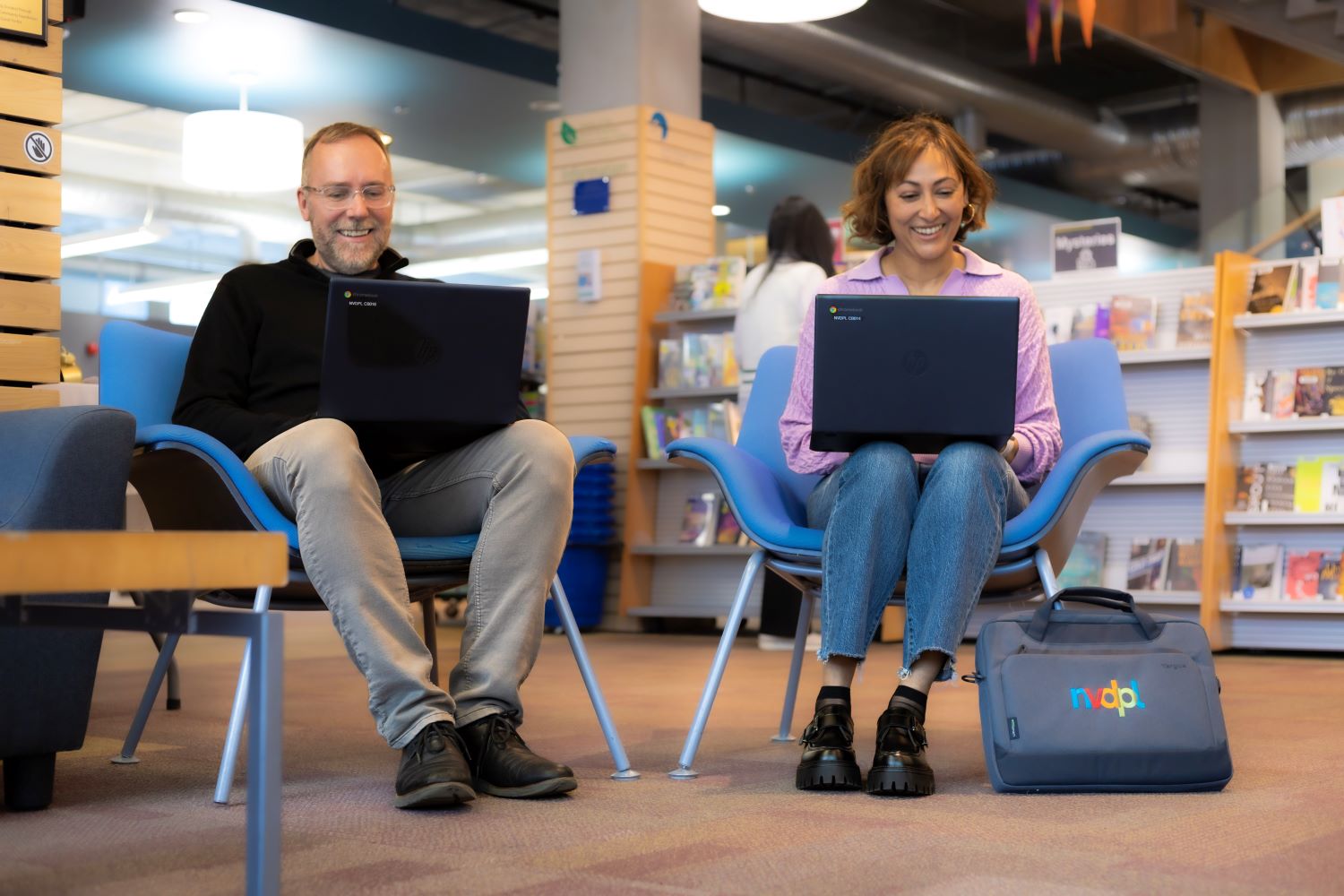
Borrow a Chromebook for in library use or take it home for up to 21 days.
↻
Auto renewal
One automatic renewal is available if there is no wait list.
▣
Ages 13 plus
A teen or adult library card in good standing is required.
👤
Return to staff
Chromebook kits must be returned directly to staff during open hours.

Borrowing Basics
Chromebooks can support learning, connection, work, and entertainment. Sign in with a Google Account to access the full set of features. All you need is a wifi connection.
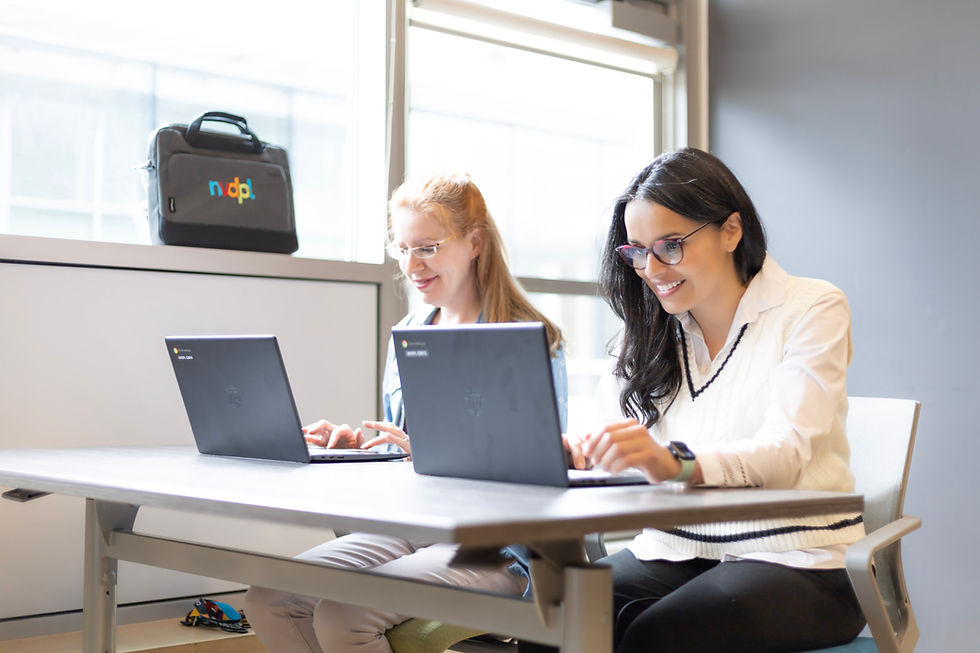
Work on the go: use the lightweight laptop while travelling, working from a coffee shop, or getting out of the office.
Create and collaborate: use Google Docs, Sheets, and Slides to write reports, build presentations, and collaborate with others.
Stay connected: join video calls, chat with friends and family, use email, and stay up to date on social media.
Stream and play: use the Google Play Store to download apps, games, streaming services, music apps, and more.
If you do not have a Google Account, you can still use the Chromebook as a guest to browse the internet, but many of the added features will not be available.
Additional Resources
Each Chromebook kit includes the items needed to use and return the device safely.
Chromebook laptop running Google Chrome OS
Laptop case
Power cord, adaptor, and mouse
Google Chromebook Quick Start Guide
Helpful resources:
NVDPL is not financially responsible or liable for user data, apps, files, or other material uploaded or downloaded to the Chromebook, or for the loss of the same. Borrowers are responsible for all pieces of the kit while it is checked out on their card. Fees apply for lost or damaged items.

Chromebook Laptops
Need a laptop? Borrow a Chromebook to use at the library or take it home for 21 days!
Chromebooks have a variety of functions to support learning, connection, work, and entertainment. Sign in to your Google Account to access the features below—all you need is a wifi connection!
-
Work on the go: With the lightweight and portable design of a Chromebook, you can take your work with you wherever you go. Whether you're travelling, working from a coffee shop, or just need to get out of the office for a change of scenery, a Chromebook has you covered.
-
Create and collaborate: Chromebooks come with a suite of powerful apps for creating and collaborating, such as Google Docs, Sheets, and Slides. Whether you need to write a report, make a presentation, or collaborate with others, a Chromebook makes it easy.
-
Stay connected: Equipped with a wide variety of communication apps, a Chromebook keeps you connected to the world. You can chat with friends and family, join video calls, and stay up-to-date on social media all from your Chromebook.
-
Stream and play: With access to the Google Play Store, you can download your favourite apps and games to your Chromebook. Whether you're into streaming movies and TV shows, playing mobile games, or listening to music, you can do it on a Chromebook!

Please note: if you don’t have a Google account, you can use the device as a guest to explore the internet but will not be able to access many of the added functions as noted above.